Barracuda Mail Archive for "Outlook New"

Barracuda Mail Archive for "Outlook New"
The Barracuda Outlook Add-in is no longer available in the new "Outlook New". Therefore, emails that need to be retrieved from the archive must be done via the Barracuda Web Portal.
Proceed as follows:
- Open the web portal via the Start menu -> " BB Barracuda Mail Archive for Outlook New " or directly via Barracuda Cloud Archiving Service
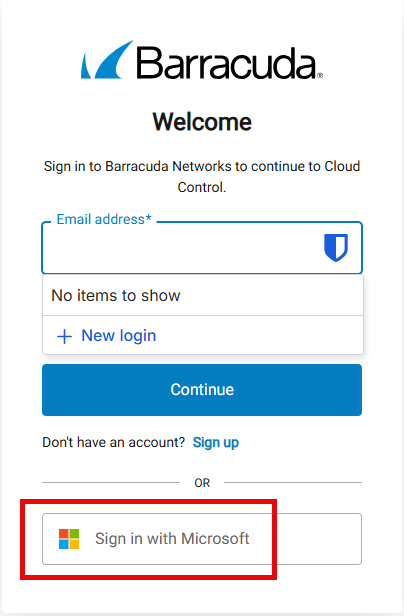
- Sign in using the " Sign in with Microsoft " button:
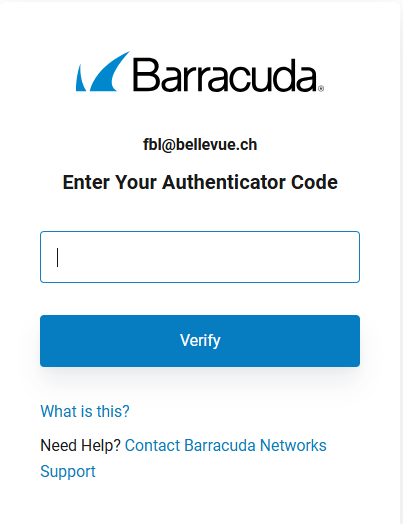
- Confirm the 2-factor authentication from your Microsoft Authenticator:
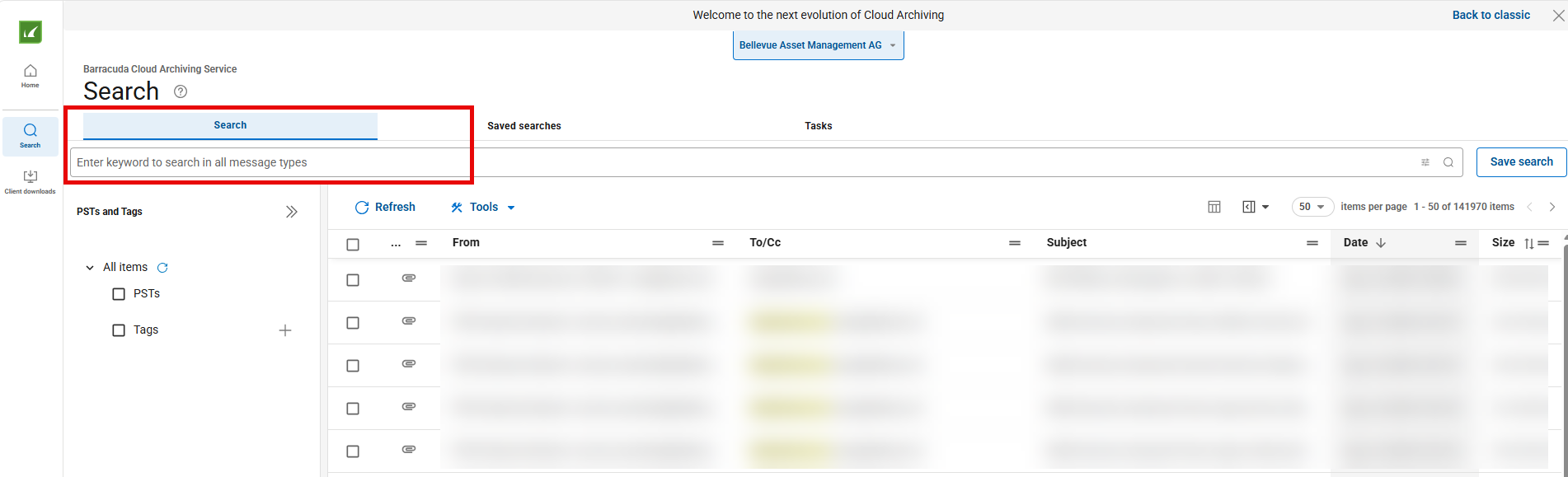
- Enter your search as usual in the corresponding search field: