Microsoft Teams Calls Basics

Microsoft Teams Calls, Basics
Call:
Dial calls (Dialpad will only be available after the migration on Sept. 7/8, 2024) | 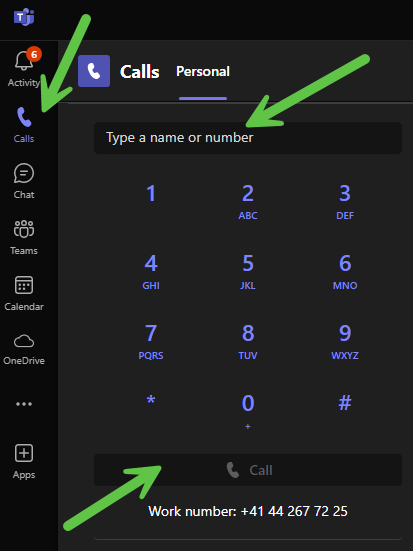 |
Enter name or number. | 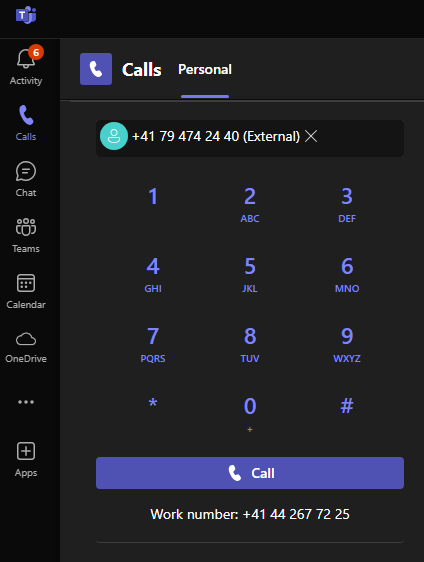 |
Press Call. |
Answer call:
In the pop-up message, click on the purple telephone symbol. |  |
Reject call:
In the pop-up message, click on the red telephone symbol. |  |
Forward call:
When a call is active, click Transfer in the top right corner of the window. Then forward or forward with announcement | 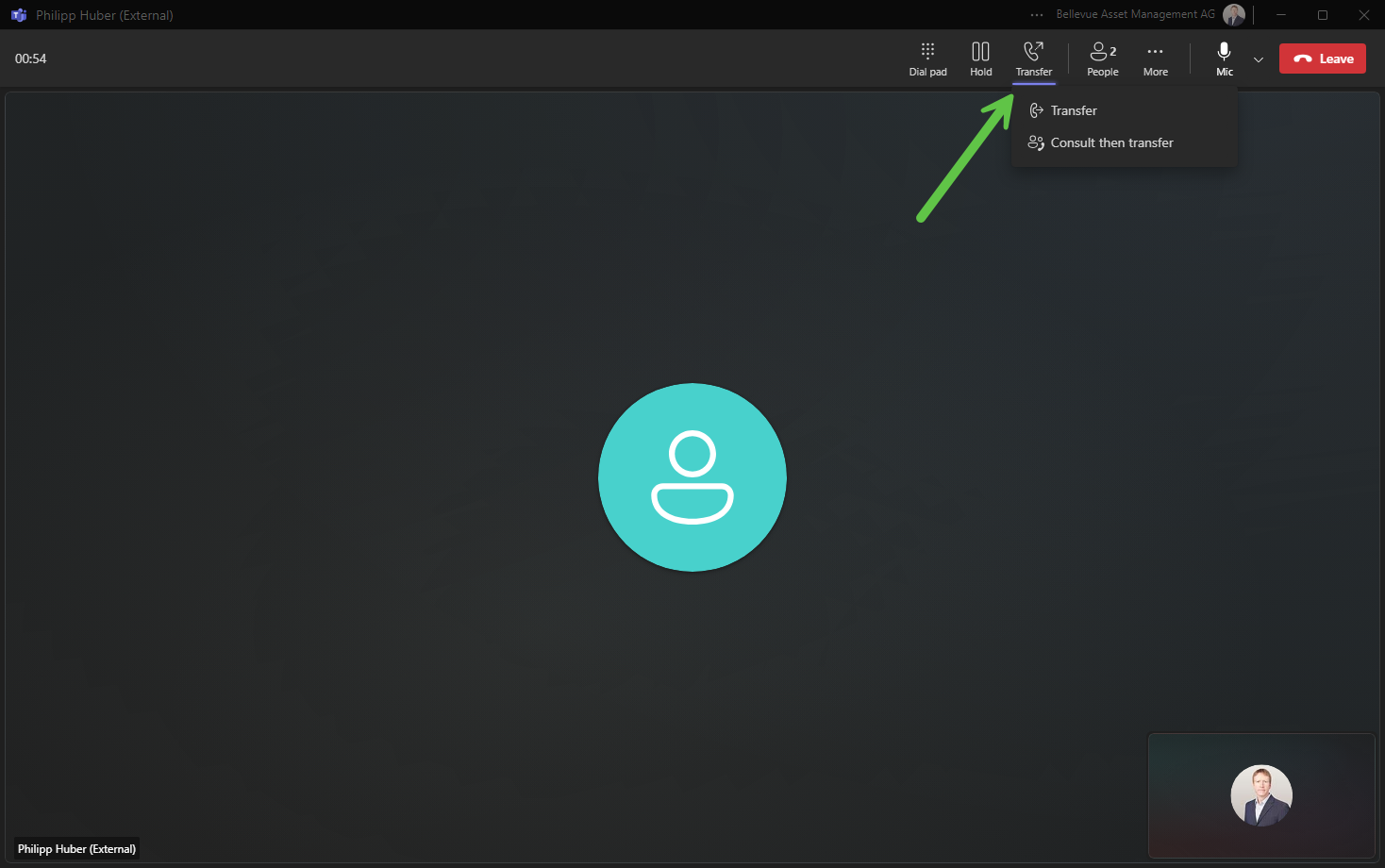 |
