Excel / Regional settings for CSV imports

Excel / Regional settings for CSV imports
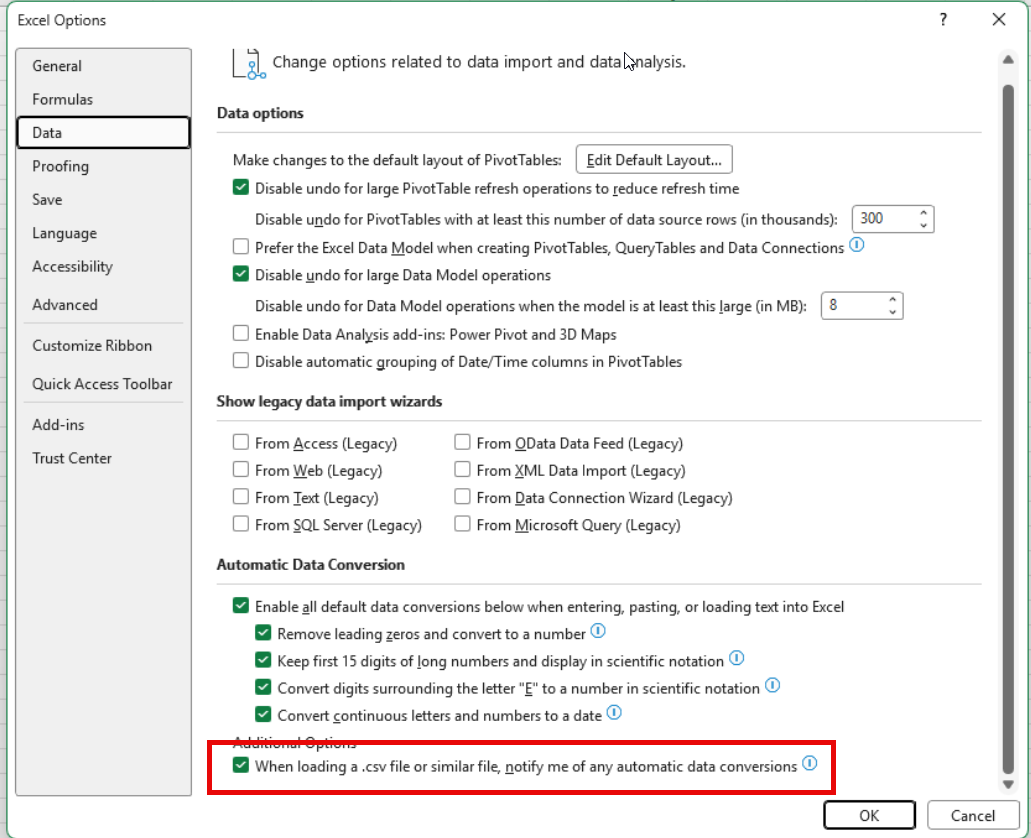
- Remove the checkmark below in the Excel settings:
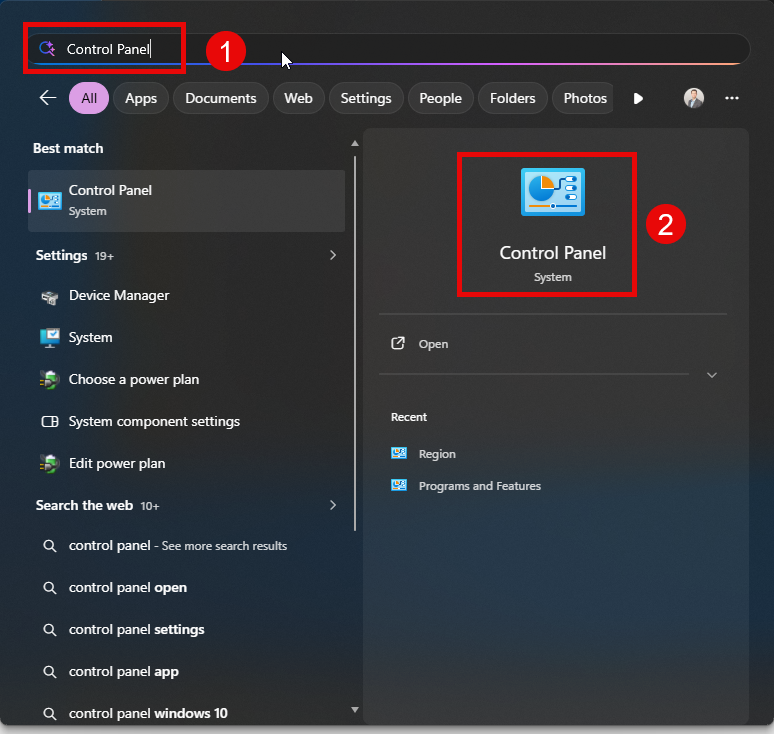
- Open the Windows Start menu and type "Control Panel" (1). Open the Control Panel (2).
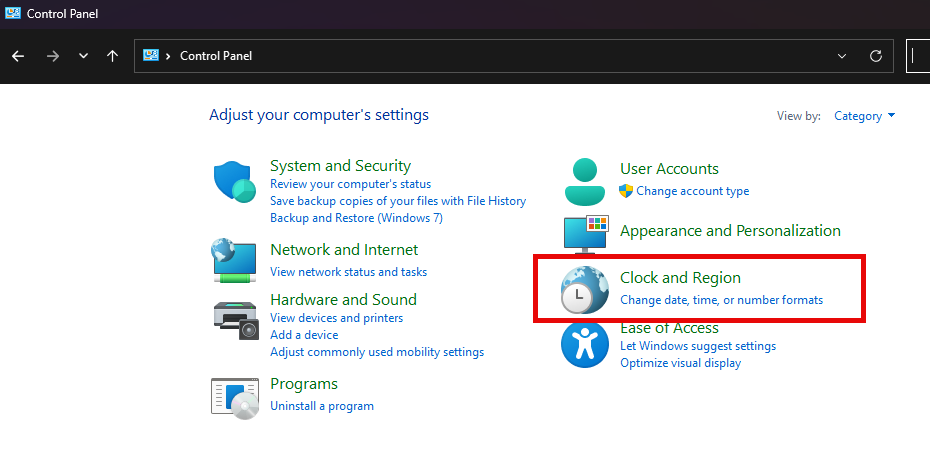
- Open "Clock and Region"
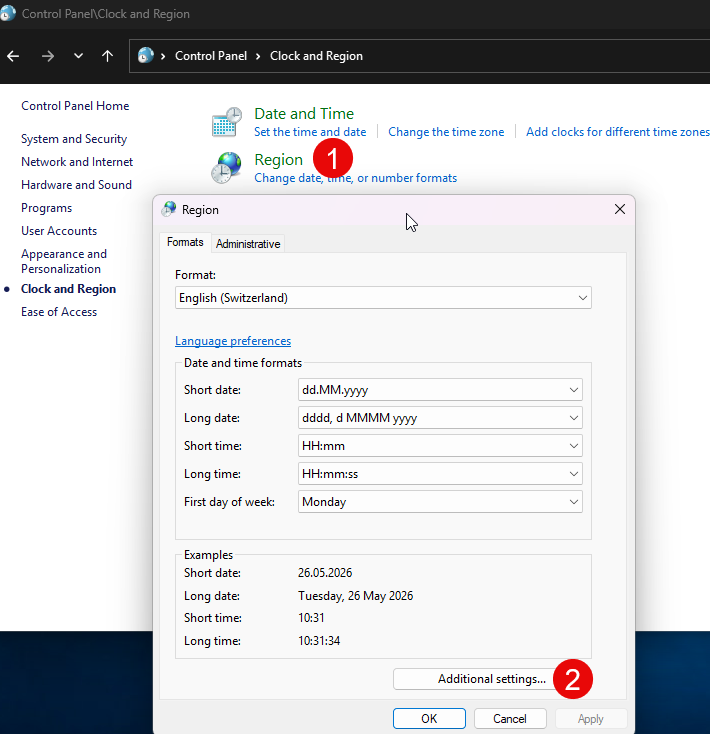
- Go to "Region" (1) and select "Additional settings..." in the new window (2)
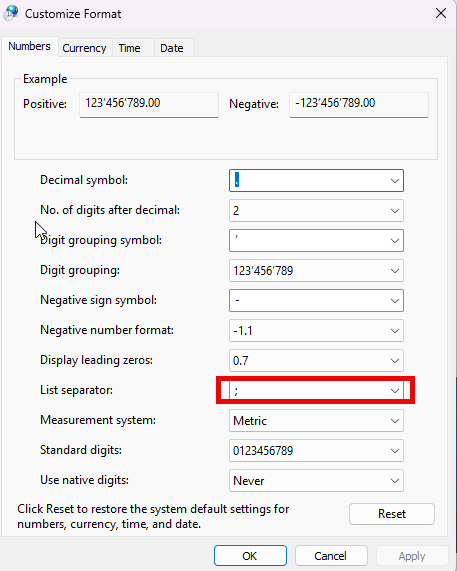
- Replace the comma with a semicolon (;) and confirm with OK: